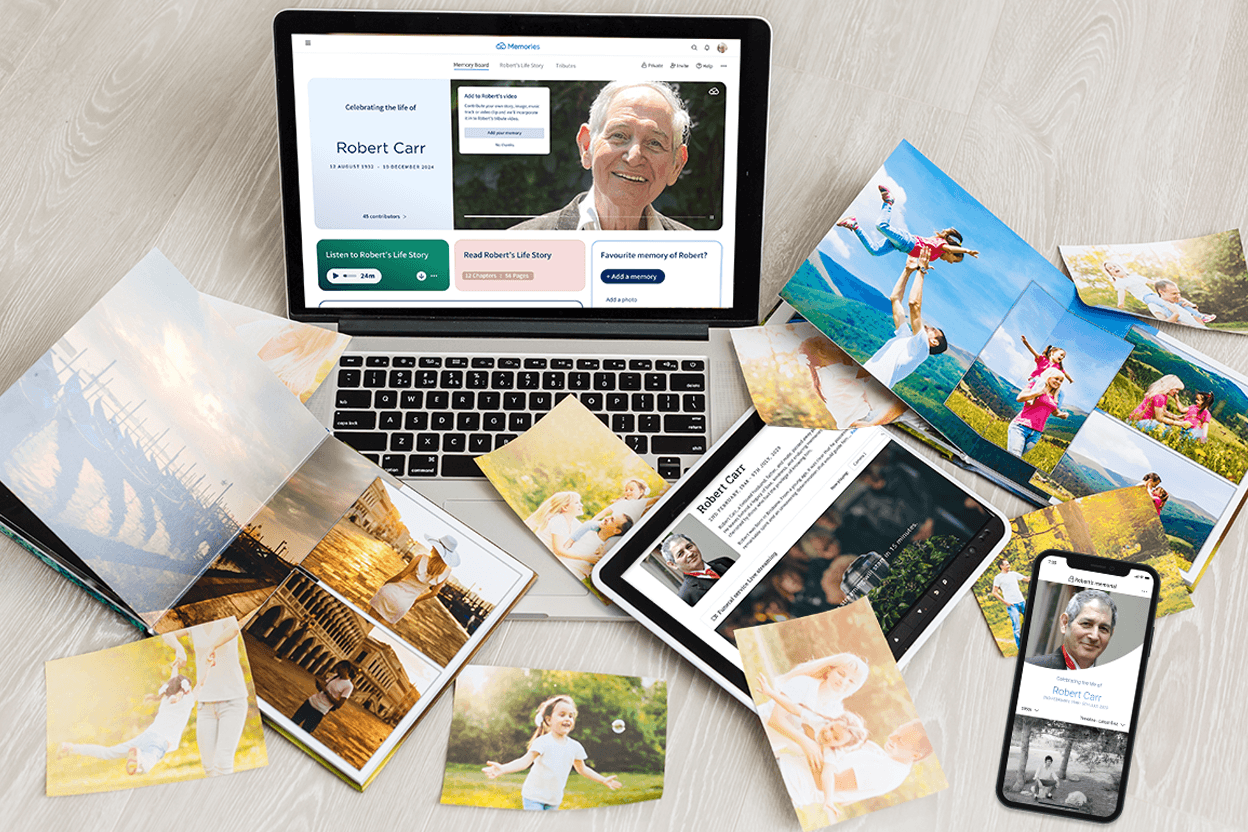
When someone we love dies, people often want somewhere to go. A place to read about them, to look at their face again, to leave a few words. An online memorial page can be that place. It holds a life in one spot, and it stays open for as long as you need it.
You don’t need to be good with technology, and you don’t need to do it all at once. Here is a gentle way to begin.
What an online memorial page is for
An online memorial page is a private or shared web page that tells the story of a person’s life. Most include a photo, a short biography or obituary, a gallery of pictures and videos, and a space where family and friends can share memories.
It can do quiet, practical work too. It can carry funeral details, a livestream link or an order of service, so people near and far know where to be and how to take part. Long after the service, it becomes somewhere to return to on birthdays and anniversaries.
Step 1: Decide who it’s for
Before you choose a single photo, it helps to ask who this page is for. Is it for close family only? For a whole community? For grandchildren who will want to know who their great-grandmother was?
Your answer shapes the rest: how private the page is, how much detail you share, and who you invite to help.
Step 2: Choose a photo that feels like them
The main photo is the first thing people see. It doesn’t need to be formal or recent. Often the best choice is the one where they look most like themselves: laughing at the kitchen table, in the garden, holding a grandchild.
If you can’t decide, choose one for now. You can always change it.
Step 3: Write a few words about their life
This can be a full obituary or a few honest sentences. Where they were born. What they loved. Who they loved. What people will miss.
If writing feels hard right now, start small. A name, dates and one line about who they were is enough to begin. Our guide on how to write an online memorial for a loved one can help you find the words, and you can return to add more whenever you’re ready.
Step 4: Gather photos, videos and stories
Look through phones, albums, shoeboxes and old hard drives. Ask siblings, cousins and friends what they have. You’ll likely find pictures you’ve never seen.
You don’t need every photo on day one. Many families add to the page over weeks and months, as memories surface.
Step 5: Add the practical details
If the funeral or memorial service hasn’t happened yet, add the date, time and place. You might include a livestream link for people who can’t travel, the order of service, or a note about flowers or donations.
This saves you answering the same questions many times, at a time when your energy is precious.
Step 6: Invite others to share
A memorial page becomes richer when others add to it. An old workmate may remember a kindness you never heard about. A childhood friend may share a photo from 1968.
Send the link to family first, then more widely if that feels right. Gently let people know they’re welcome to add a memory, a photo or a few words.
Step 7: Choose how private it should be
Some families want a page anyone can find. Others prefer a page shared only by link with people they trust. There’s no right answer. Choose what feels safe and respectful for your family, and know you can usually adjust it later.
Choosing a memorial platform
When you’re comparing options, a few questions are worth asking:
• Is it free to start, and are the costs clear?
• Is it private, secure and free of advertising?
• Can others contribute photos and memories?
• Will it stay online for years, not just months?
• Can it hold everything in one place, such as the obituary, photos, a tribute video and service details?
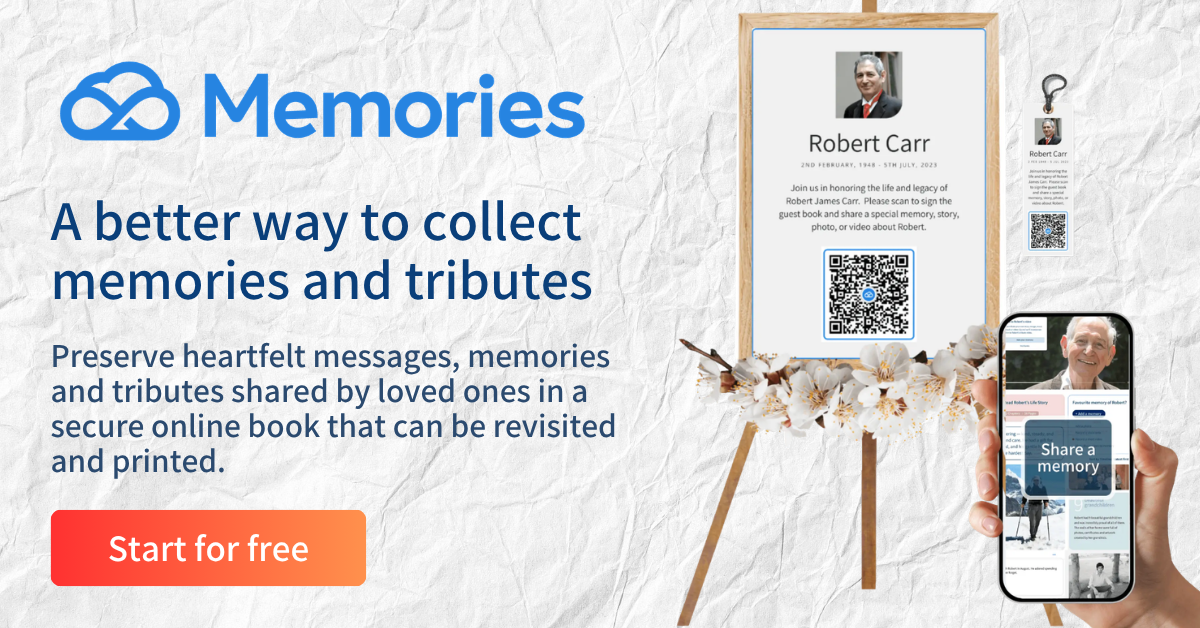
Memories was made for exactly this. You can start for free, with no credit card, and build a page that brings a life story, photos and a tribute video together in one calm, ad-free space.
A page you can keep returning to
An online memorial page isn’t something you finish. It grows. On their birthday, someone adds a photo. On the anniversary, someone writes a few lines. Years from now, a grandchild reads it for the first time.
Not a profile. But a place to remember them, together.
When you’re ready, you can start a memorial page with Memories.